The web inbox
A tour of the MailDev 3.0 web UI — message list, HTML and plain-text views, raw source, attachments, responsive preview, search, the command palette, and light and dark themes.
The inbox at http://localhost:1080 is where you spend your time. It is a React
application talking to the same REST API you can
script against, and it updates over a websocket — new mail appears without a
refresh.
Reading a message #
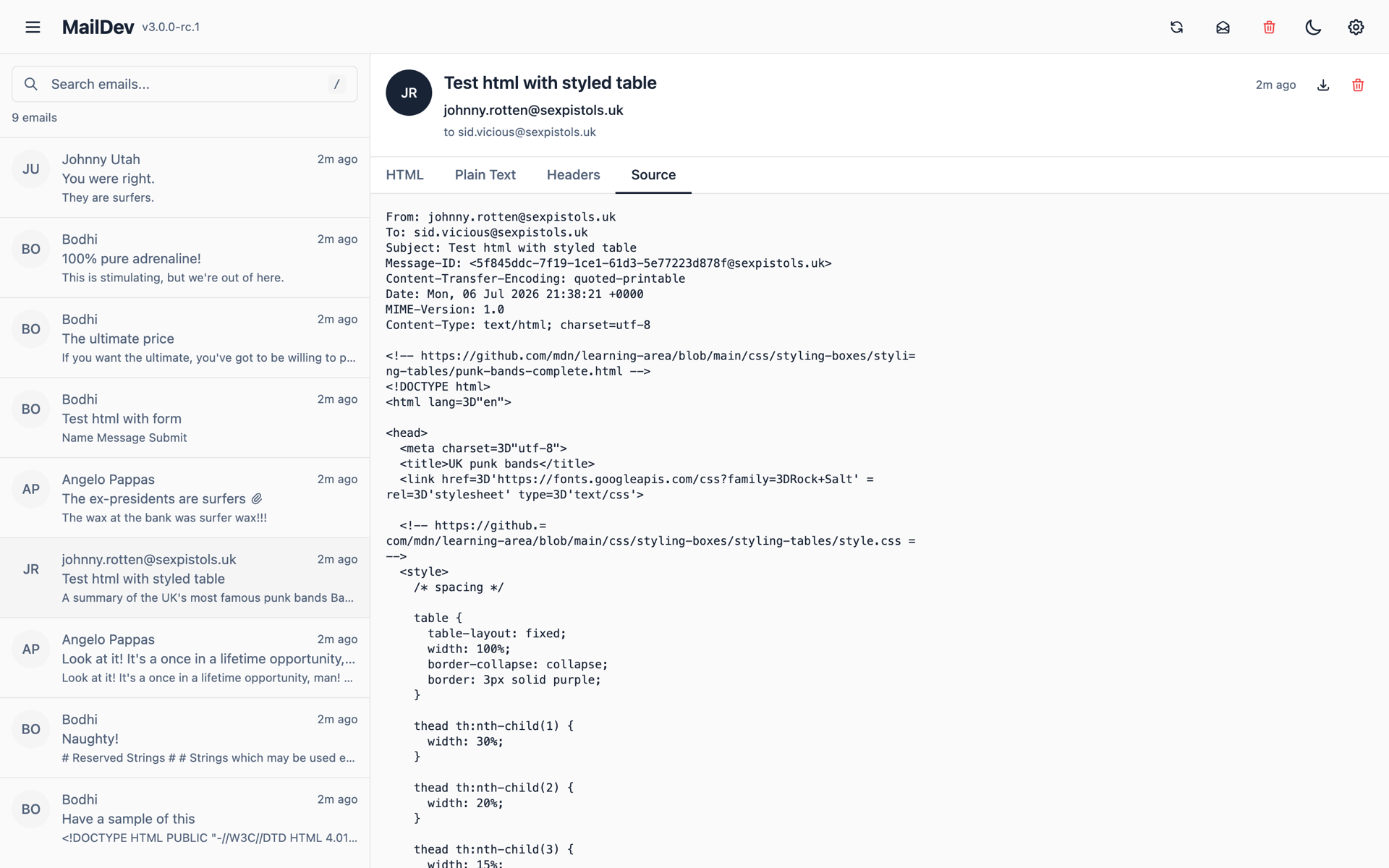
Every message can be viewed four ways:
- HTML — the rendered message, in an isolated iframe so its CSS cannot leak into the UI.
- Plain text — the
text/plainalternative, which is what a surprising number of recipients actually see. - Raw source — full headers and the MIME structure, for when the question is why a client rendered it that way.
- Attachments — listed with their filenames and content types, downloadable individually.
Responsive preview #
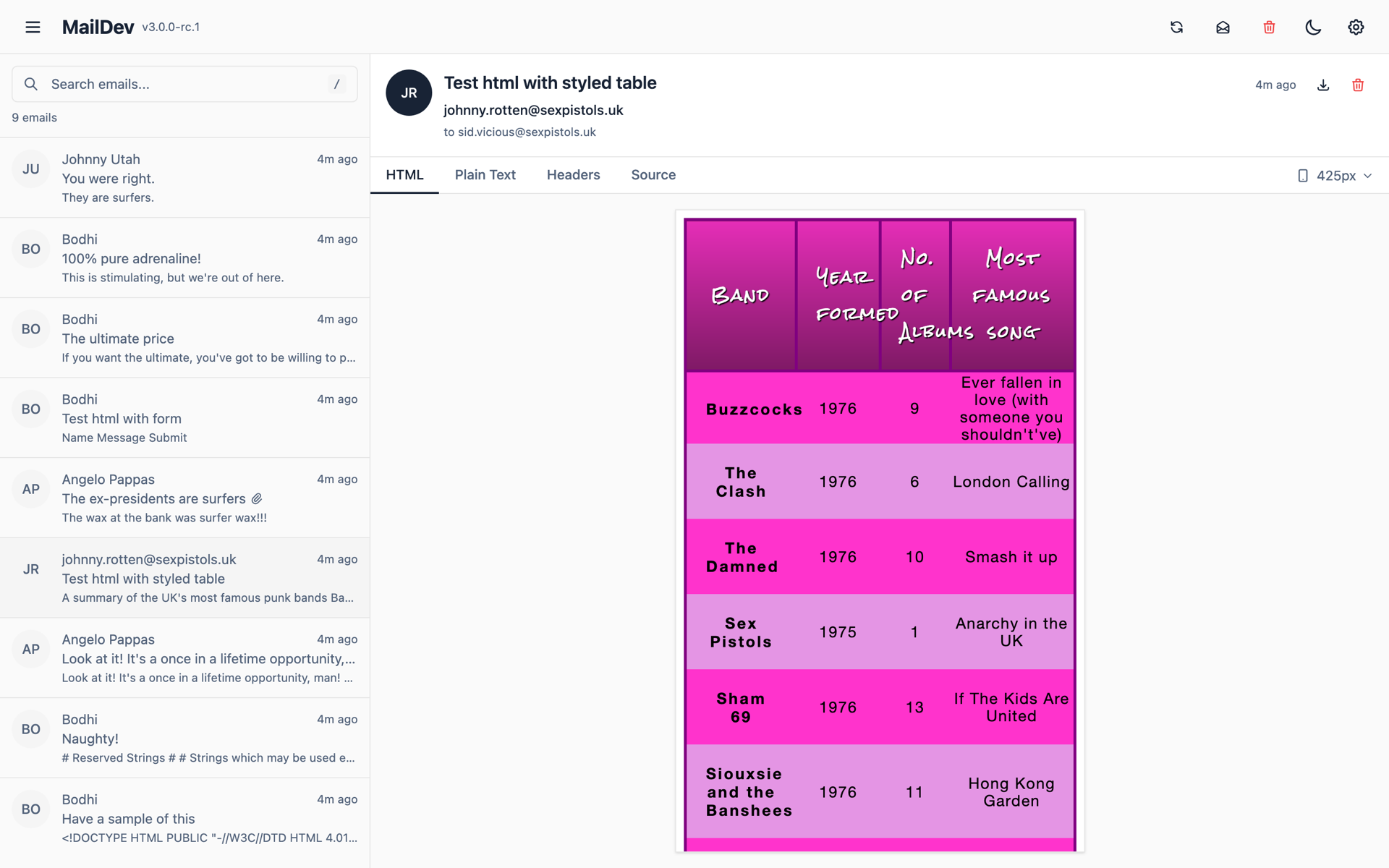
Email clients are the last place where a 320px viewport still matters. The preview renders the HTML at phone and tablet widths without leaving the app, so a media query that misfires is visible before it ships.
Search #
The search box filters on sender, recipient, and subject. The same filtering is
available on the API via the search parameter on
/api/email/summary, which is what makes assertions
in a test suite cheap.
Command palette #
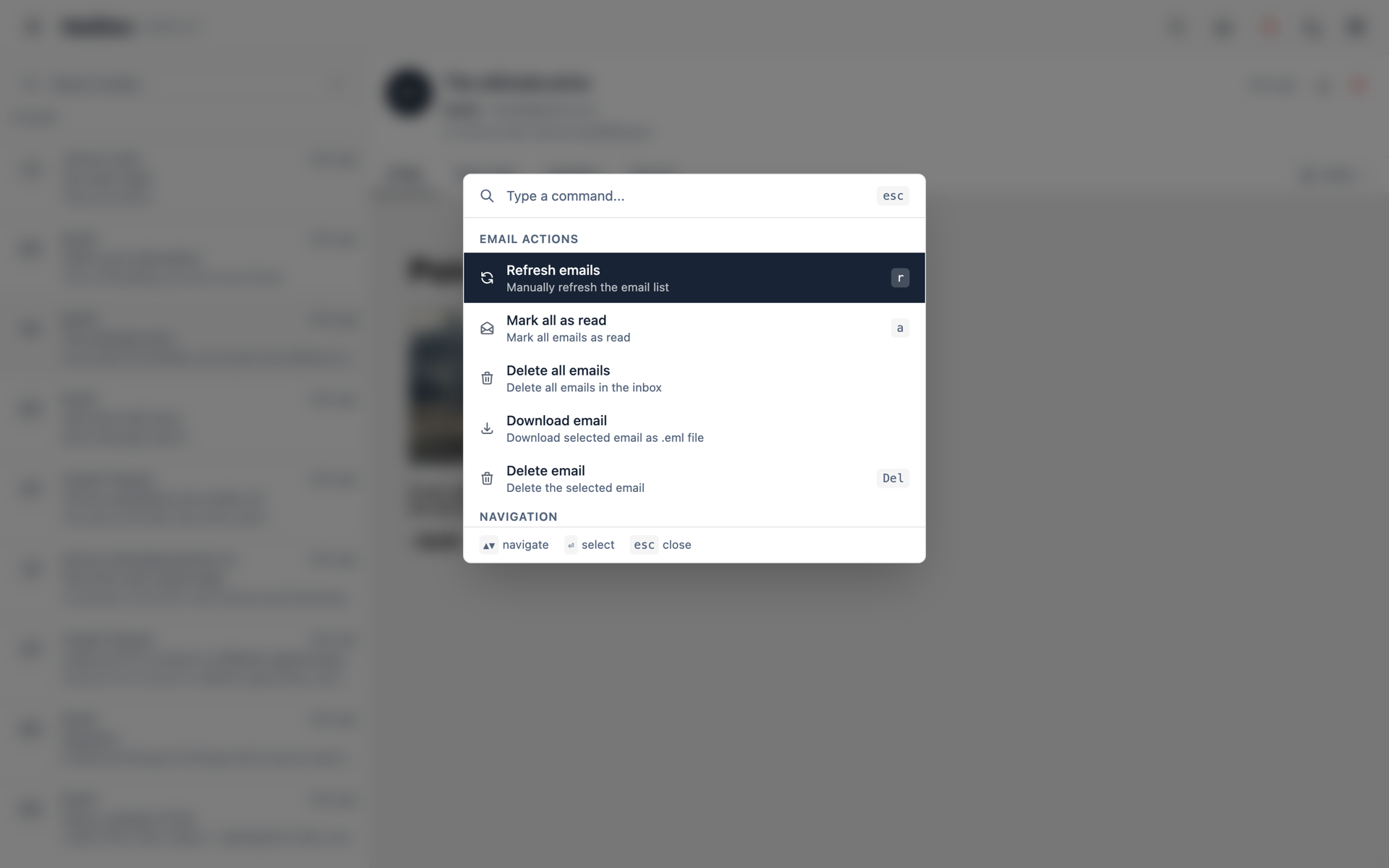
⌘K (Ctrl+K on Windows and Linux) opens the palette: jump to a message, delete, mark everything read, switch theme, or relay a message onward without reaching for the mouse.
Light and dark #
The UI follows your operating system's color scheme by default, and you can pin it either way from the palette or from settings.
What else is in there #
- Mark all read — one action, or
PATCH /api/email/read-allover the API. - Bulk delete — select several messages and remove them together.
- Download — save a message as
.emlto open in a real mail client. - Relay — forward a caught message to a real address, if you have configured an outgoing SMTP host.
Serving it somewhere other than the root #
Behind a reverse proxy, set --base-pathname /maildev and the UI, API, and MCP
endpoint all move under that prefix. See
the CLI reference for the full flag list, and
HTTPS if you are terminating TLS at MailDev rather than at
the proxy.
Turning it off #
Only need the SMTP catcher and the API? --disable-web drops the UI. Useful in
CI, where nobody is looking at a browser.